Windows desktop / System diagnostics
PC Diagnostics
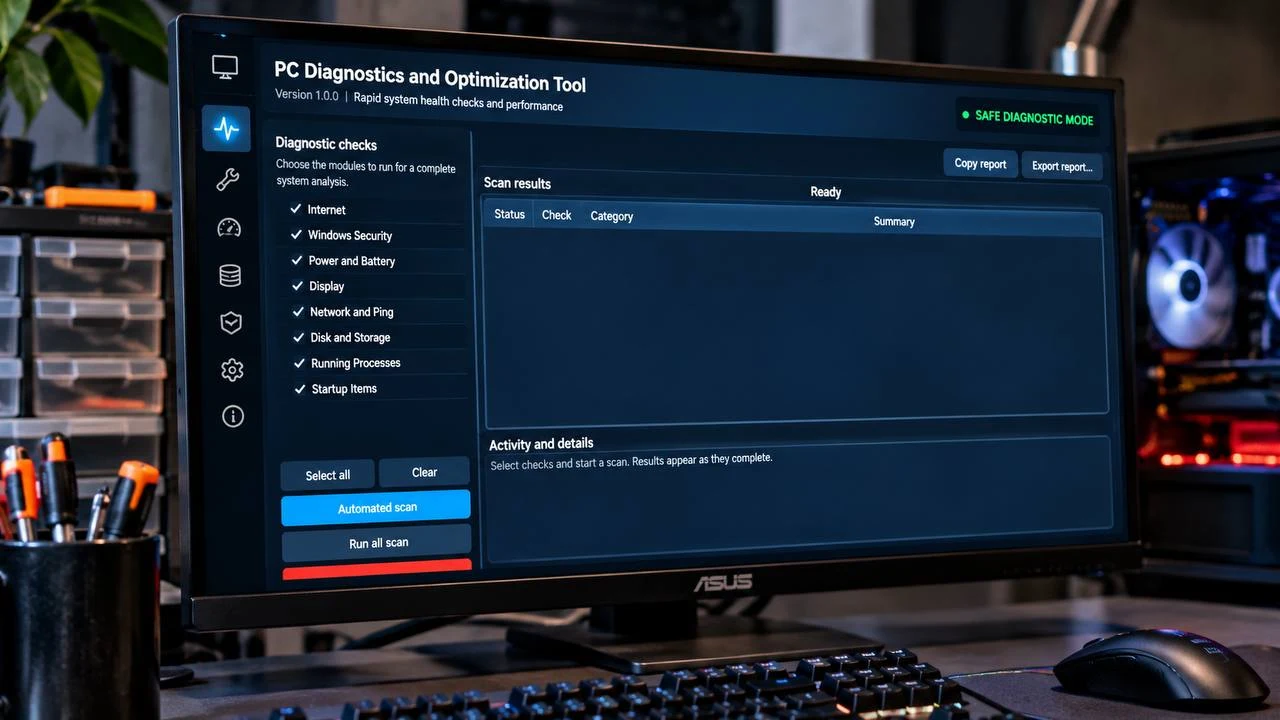
A Windows application that brings essential system checks into one dashboard and turns technical findings into readable reports.
My contribution
The work behind the experience.
Built by Nathan Nandap as a Windows desktop diagnostics project, bringing system checks and readable reports into one application.
01 / Overview
Clarity about your computer’s health.
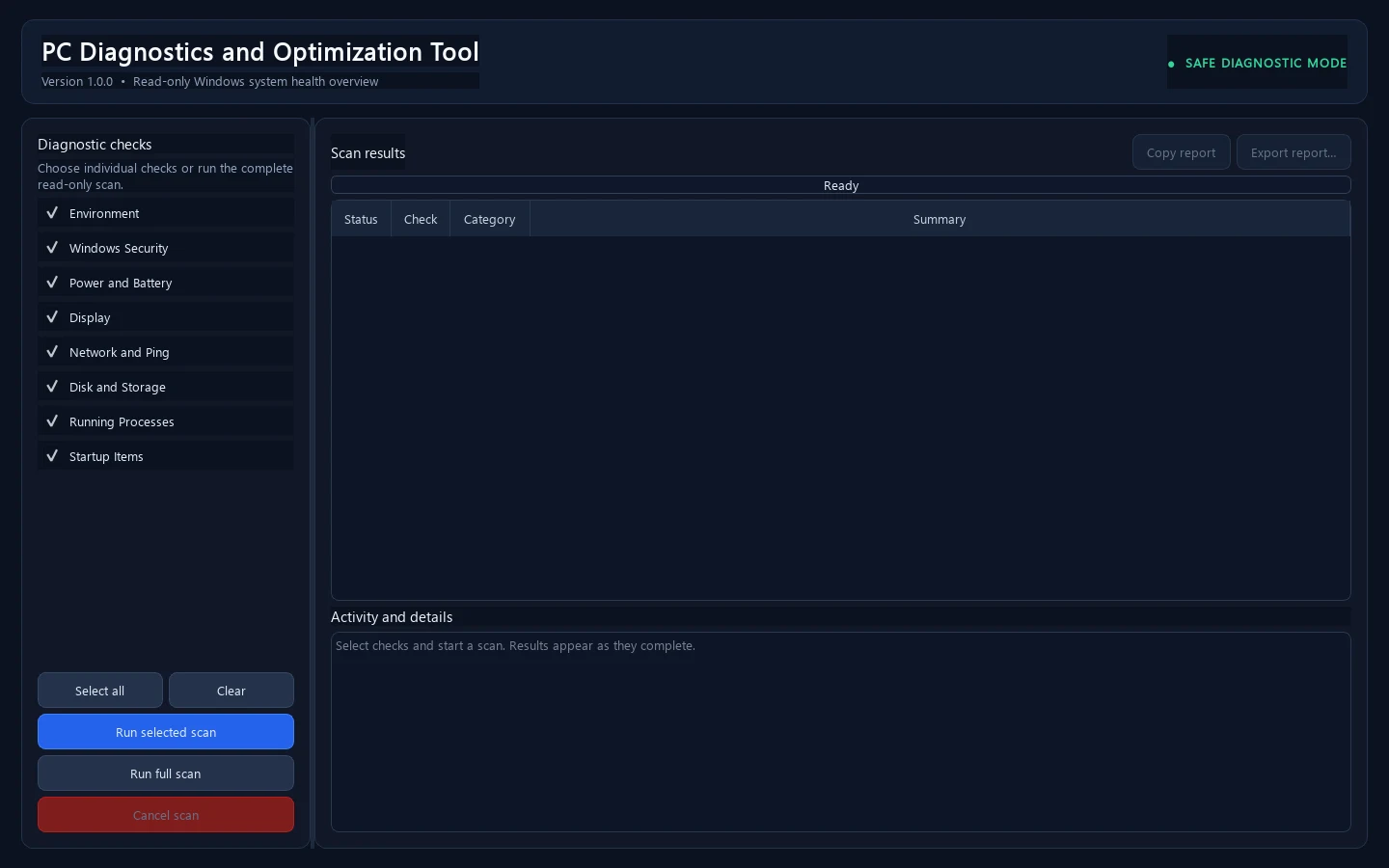
PC Diagnostics brings system health information into a single desktop experience. Users can choose individual checks or run a full scan, then review findings and copy or export a readable report.
02 / The challenge
The question behind the project.
Technical information can be difficult to interpret when it is scattered across system tools. The challenge is to make a useful health overview clear, manageable, and easy to share.
03 / The approach
A structure for moving forward.
A focused dashboard keeps check selection, progress, and results together. Scans run in the background, support cancellation between checks, and allow remaining checks to continue if one fails. Current checks observe system state without applying repairs or optimization.
04 / Project direction
Project focus.
- Selectable and full health scans
- Background progress and cancellation
- Clear results and report exports
- Read-only diagnostic experience
A related challenge?
Where this thinking can help.
Desktop tools that help people understand technical information, review operational checks, and create clear reports.
Current scope
Where the project stands.
Current scans are observational. Automatic repairs and optimization are not included; this case does not claim performance improvements.
Next steps
Document the user journey with a redacted or synthetic-results walkthrough and confirm the distribution plan.
Next project
Frankenstein Structures